
Mobile app update – version 5.3.9
Mobile app version 5.3.9 improves notification registration and restores the phone's top status bar in light and dark modes.
Back to blog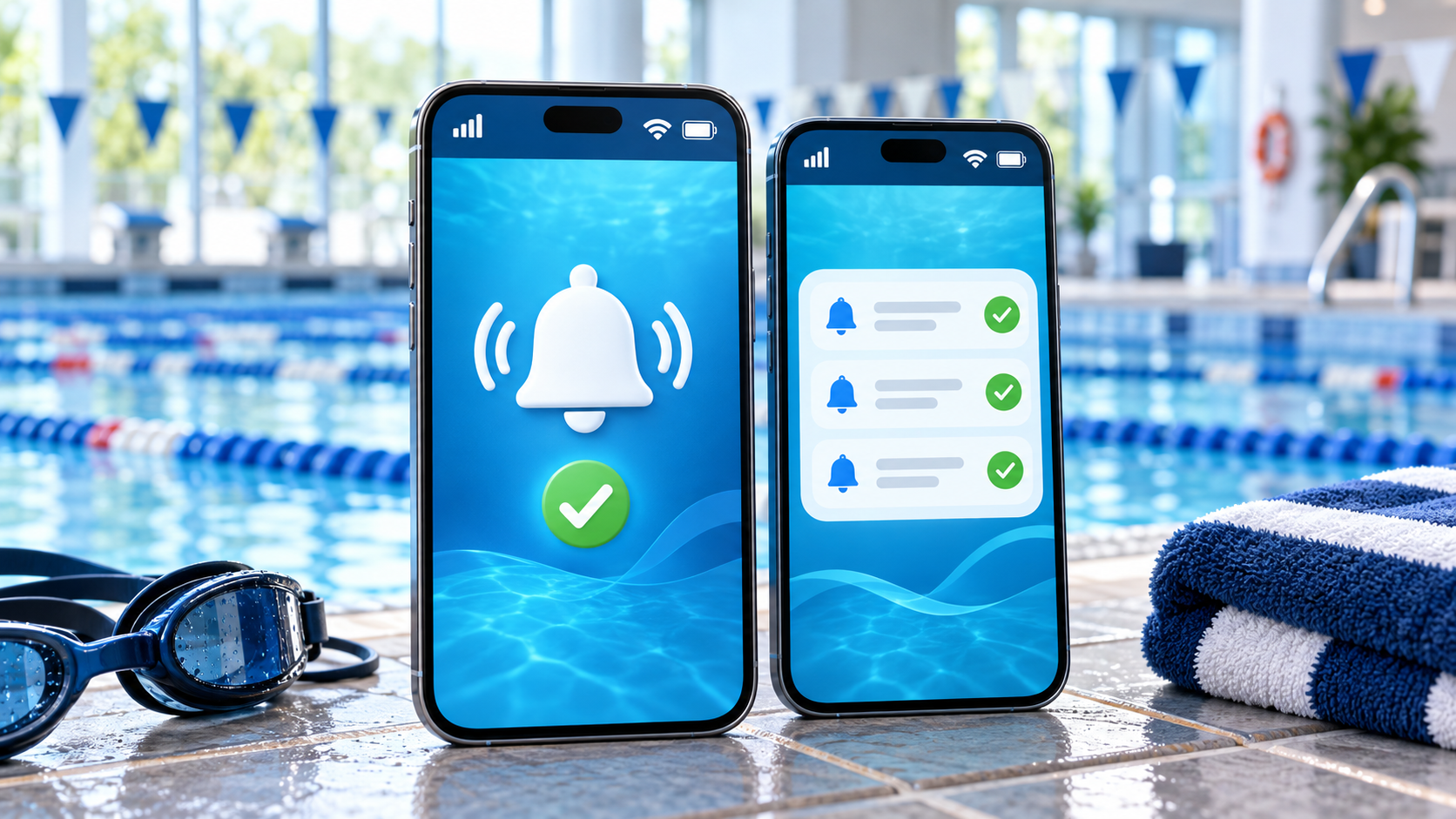
Version 5.3.9 of the SwimClub Manager mobile app includes two important improvements: more reliable notification registration and a restored top status bar.
Once the update appears in the Apple App Store or Google Play, please install it and open SwimClub Manager so your device can complete its notification registration.
More reliable app notifications
We recently changed the service used to deliver app notifications. Some devices running an earlier app version did not refresh their registration correctly after the change, which meant that new notifications could be missed even though notification permission was enabled.
Version 5.3.9 improves how the app recognises your signed-in account and registers the device for notifications. It can also recover and try again if the notification service is not ready when the app first starts. These improvements apply to both iOS and Android.
You do not need to uninstall the app, create a new account or change your club settings. After updating, simply open the app and leave it open briefly while connected to the internet. If your phone asks for permission to send notifications, choose Allow.
The top status bar is visible again
The update also fixes the top bar on iPhone, iPad and Android devices. The phone’s time, signal, Wi-Fi and battery indicators remain visible above the app instead of being hidden.
The bar now follows your device’s light or dark appearance, using a matching SwimClub Manager colour and clear icons. It also keeps the app content below the phone’s safe area, including around camera cut-outs.
How to update


- Open the App Store or Google Play using the links above.
- Install version 5.3.9 when it is available for your device.
- Open SwimClub Manager and continue using your usual login.
Store availability can vary while Apple and Google complete their reviews and roll out the update. If the store shows Open instead of Update, check again later or confirm the installed version from the app’s About page.
If notifications still do not arrive after updating and opening the app, please contact us.
Ready to save time?
See how SwimClub Manager could work for your club
Try the full system with your own club setup, or book a friendly online demo and we will walk you through the bits that matter most.