
New iOS and Android Apps: Version 5.3.6
New versions of the SwimClub Manager app are on their way for iOS and Android. Once approved, please install version 5.3.6 and open the app to continue receiving notifications.
Back to blog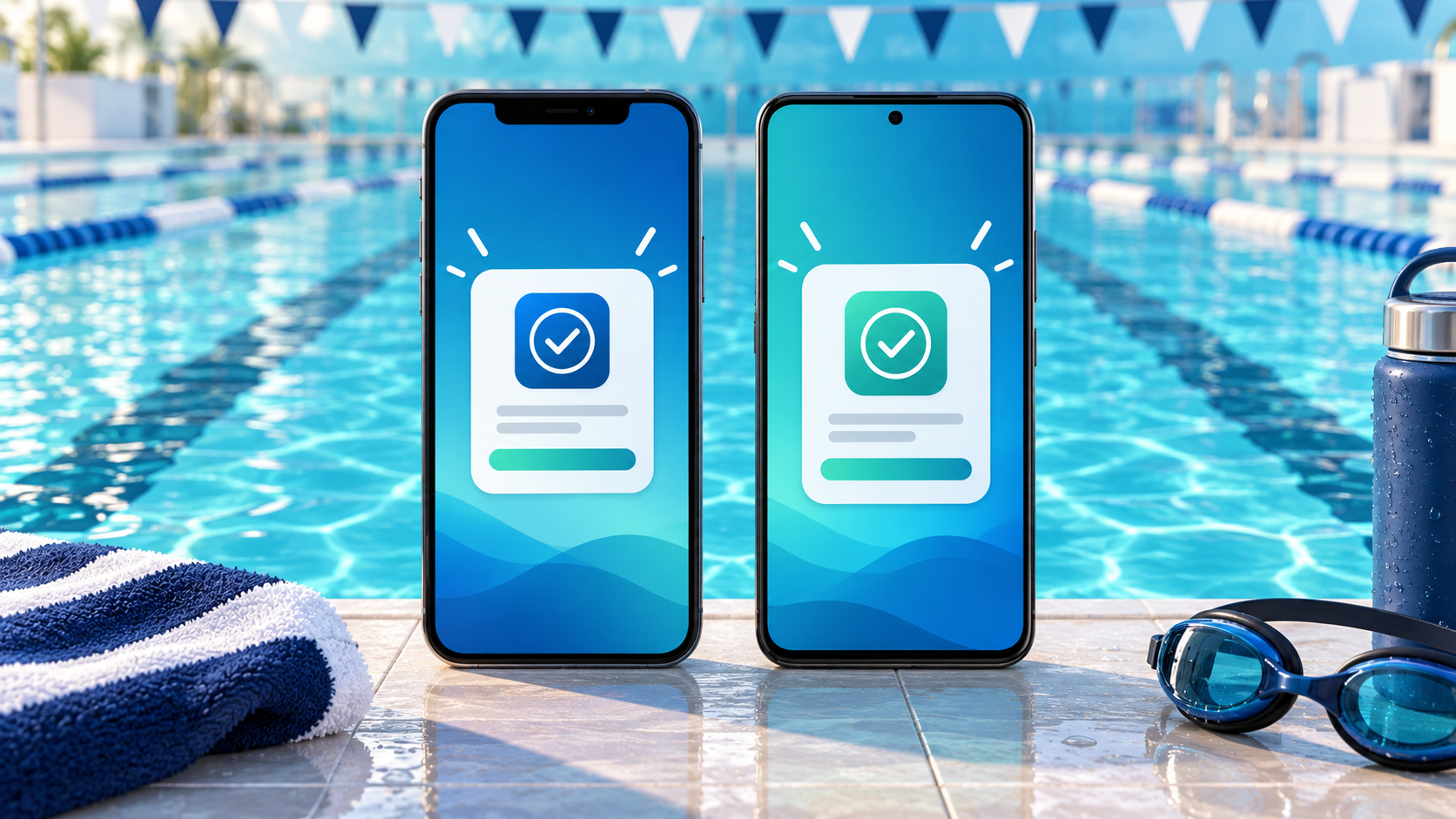
New versions of the SwimClub Manager app are on their way for iPhone, iPad and Android devices.
Action required: Once the updates have completed the Apple App Store and Google Play review processes, please install version 5.3.6 and open the app at least once.
Why you need to update
We have changed the service used to deliver app notifications. The latest version registers your device with the new service automatically when you open the app, helping to ensure that you continue to receive notifications from your club.
Older versions of the app will no longer receive new app notifications after the changeover, so it is important to update even if your current version otherwise appears to be working normally.
When will version 5.3.6 be available?
The updated apps are being reviewed by Apple and Google. Their review times can vary, and one version may become available before the other. Please update as soon as version 5.3.6 appears in the store for your device.
If you have automatic app updates enabled, the new version may install for you. We still recommend checking the relevant store listing and opening SwimClub Manager after the update has installed.
Download or update the app


- Open the App Store or Google Play using the links above.
- Install or update SwimClub Manager when version 5.3.6 is available.
- Open the app and sign in as usual. If your device asks whether SwimClub Manager may send notifications, choose Allow.
If the store still shows Open rather than Update, the new version may not have reached your device yet, or it may already have been installed automatically. You can check the installed version from the app's About page.
No account changes are needed
You do not need to create a new account, uninstall the existing app or ask your club to register your device. Simply update the app, open it and continue using your usual SwimClub Manager login.
If you need help after updating, please contact us.
Ready to save time?
See how SwimClub Manager could work for your club
Try the full system with your own club setup, or book a friendly online demo and we will walk you through the bits that matter most.