


Introducing the new SwimClub Manager website block editor
Our new website block editor gives swimming clubs a faster, more flexible way to create polished pages and news alongside the recently launched Modern website templates.
Back to blog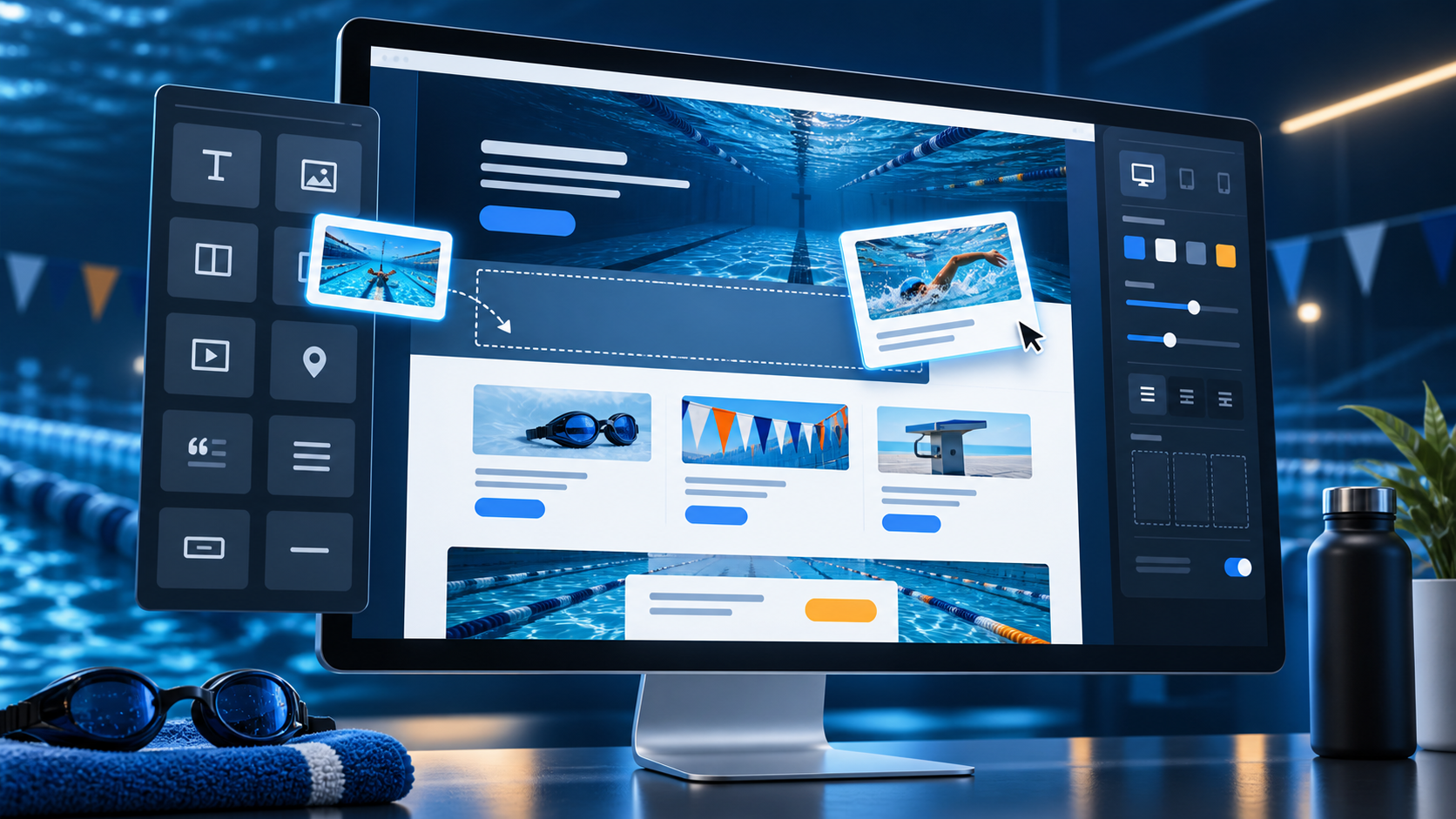
Today we are delighted to introduce the new SwimClub Manager website block editor, giving clubs a more flexible and visual way to create pages and publish news.
This is a big milestone for us. Following the recent launch of our Modern website templates, the new editor completes another important part of our work to make club websites easier to build, better looking and simpler for volunteers to maintain.
Build pages from clear, flexible blocks
Instead of working with one large area of content, the new editor lets you build a page from individual blocks. Add a heading, text, an image or a button, then arrange those blocks into the order and layout that works for your club.
The editor includes blocks for:
- headings, text, buttons, icons, tables and callouts;
- images, image collections, cards, videos and maps;
- public club documents and trusted HTML or third-party widget snippets;
- responsive columns, sections, dividers and spacing; and
- live SwimClub Manager content such as sessions, club feeds, noticeboards, galleries, results and your club's Who's Who page.
Blocks can be moved, duplicated, edited or removed without rebuilding the rest of the page. Content inside columns and sections remains editable too, making it much easier to create richer layouts while keeping everything organised.
Start quickly with ready-made section layouts
A blank page can be daunting, so the editor includes a growing collection of example section layouts. These provide useful starting points for common club content, including welcome sections, training information, joining journeys, venue directions, safeguarding details, downloads, frequently asked questions, sponsors, volunteers, team profiles and calls to action.
Choose a layout and it is inserted directly into the page. You can then replace the example wording, images and links with your own content. It gives clubs a quicker route to a polished result without restricting how the finished page should look.
More design control, without needing to be a designer
The new block editor works with the colours and typography from your club's chosen Modern template. It also gives you practical controls over individual areas of a page, including text colour, fonts, alignment, sizing, spacing, backgrounds, borders, corners and column layouts.
That means an important announcement can stand out, a group of links can become a clear set of buttons, and a page can use contrasting sections without requiring anyone to write CSS. Images can be resized, cropped around a focal point, linked and presented in grids or slideshows.
For clubs with more advanced requirements, the HTML snippet block supports Bootstrap 5 markup and trusted third-party widget code, while keeping the everyday editing experience straightforward for everyone else.
Designed for modern club websites
Pages created with the block editor are responsive, so columns and content adapt for visitors using desktop computers, tablets and mobile phones. The private themed preview lets editors check draft content at different screen sizes before it is published.
Undo and redo controls make experimentation less stressful, while revision history gives clubs a way to review and restore recent published versions. Changes are also recorded in the club audit trail, helping committees understand when website content was updated.
A careful upgrade for existing club content
We know that many clubs already have established pages with carefully prepared layouts. Those pages are not automatically converted or changed by this launch.
When a club enables the new editor, newly created pages and news items use the block editor. Existing content continues to open in its current editor, protecting live pages from an unnecessary conversion and allowing clubs to adopt the new approach gradually.
Available now
Clubs using one of our Modern website templates can enable the new block editor from the Website Template section of Website Settings. It is enabled by default for new clubs joining SwimClub Manager with the club website option.
The Modern templates gave club websites a fresh new foundation. The block editor now gives clubs the tools to make much more of it. Together, they represent one of the biggest steps forward for the SwimClub Manager website service, and we are excited to see what clubs create.
Ready to save time?
See how SwimClub Manager could work for your club
Try the full system with your own club setup, or book a friendly online demo and we will walk you through the bits that matter most.